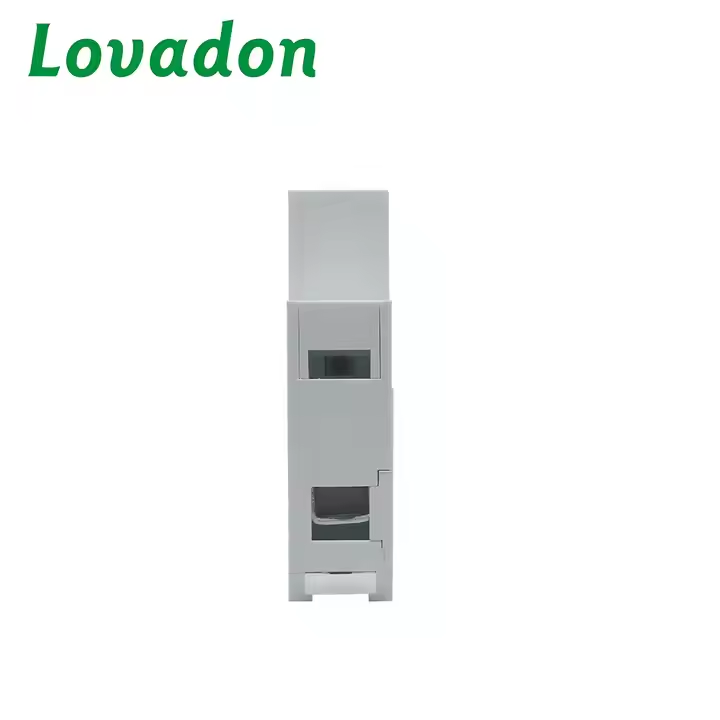
General
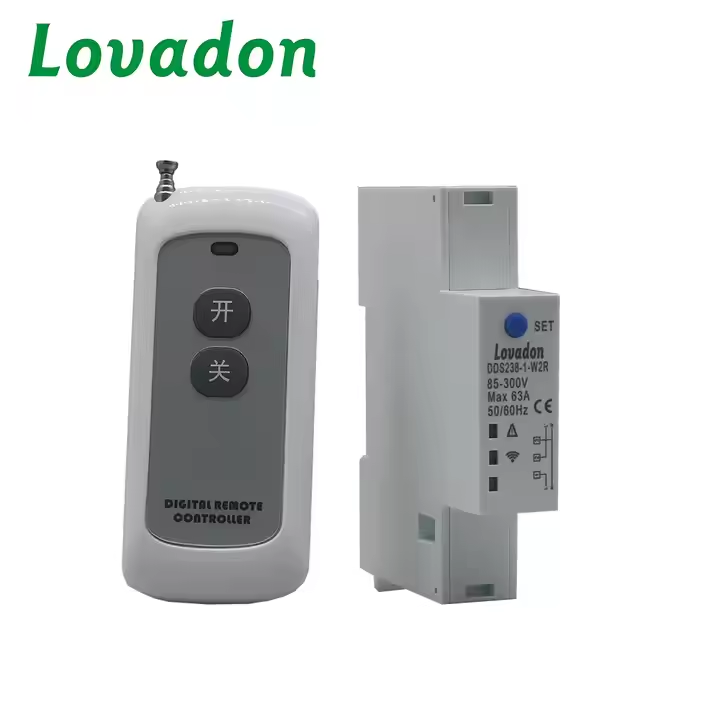
The DDS238-1-W2R wireless remote control switch is designed to remotely control on/off in an AC power grid. It can be used with RF remote control for LED light controllers, pump controllers, solar generator circuit switches, and so on.
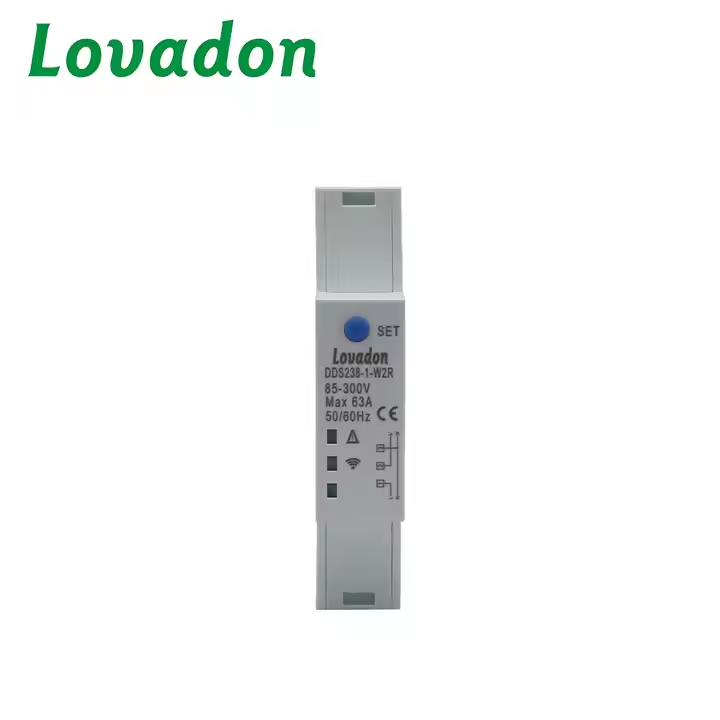
One controller can control 1–16 devices at the same time using one keypad, or control different devices with different keypads. The same device can also be paired with different controllers for use. The SET button can manually control the switch on/off when you push it
once.
Step 1. Push the SET button for 5 seconds. The device will enter remote control pairing status and the blue LED will flash quickly. Then you can use the controller to pair. First, push any keypad to switch on. Second, push any keypad to switch off (you can use the same keypad or two different keypads; both are fine). If pairing is complete, the device’s blue LED will stay on.
Step 2. If you want the same device to be controlled by another controller, you can perform the same operation as Step 1.
Step 3. If you want one controller to control many devices at the same time, put these devices into pairing status simultaneously, then push the controller’s keypad to pair.
Step 4. If you want to delete the device’s previously paired controllers, push the SET button for 10 seconds. The blue LED will flash quickly, stop for 2 seconds, flash quickly 3 times, and then stay on. This means all paired controllers have been deleted.
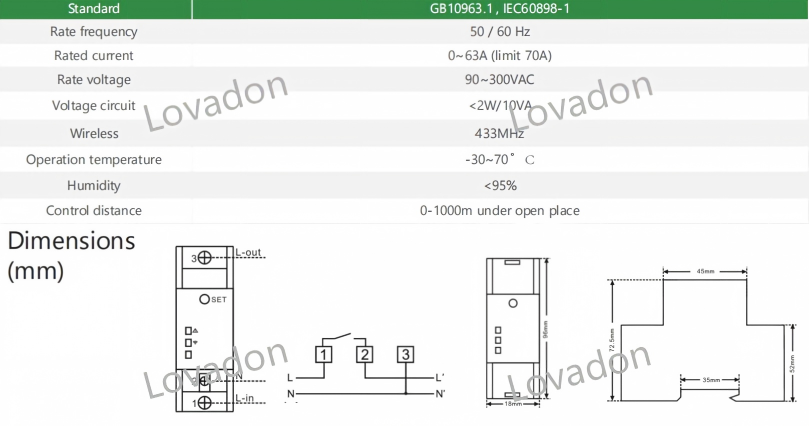
Technical Parameters

 Yueqing Lovadon Electric Co., Ltd.